

A sensor with a high dynamic range might not work well with an ISP setup that takes that benefit. A lens might work better than the sensor it is connected to. The way software works may not match the way hardware works.
If you’ve ever used an embedded camera system, you already know what most brochures don’t say out loud. It’s not just the hardware that’s important. Sensors, lenses, ISPs, and SoCs are all important, but they can’t do anything useful until firmware tells them what to do.
That firmware is what controls the quality of the images, the amount of time it takes for them to load, and the reliability of the device.
Here’s a number that will help us stay on topic. MarketsandMarkets says that the global embedded vision market will be worth more than $18 billion by the end of the decade. This growth will mostly come from industrial, automotive, and medical imaging. More cameras are being used in real products, and the quality of the firmware is becoming a business differentiator instead of just a backend detail.
This article goes into detail about how to develop firmware for embedded cameras without any extra information. No hype. It’s just the mechanics, the trade-offs, and the way you think that make some camera products more reliable than others. This is a MOFU piece, which means that you should already know what embedded systems are and want to learn how camera firmware is made, shipped, and kept up to date.
Understanding the Basics of Firmware Development for Cameras
What Firmware Means in an Embedded Camera System
Firmware is the low-level software that is closest to the hardware in an embedded camera system. It sets up the sensor, sets up the clocks and power rails, manages memory, talks to peripherals, and makes sure that images are taken and processed. Firmware runs under very strict rules, unlike application software. Not enough RAM. Flash is limited. Budgets with fixed times. No room for guessing.
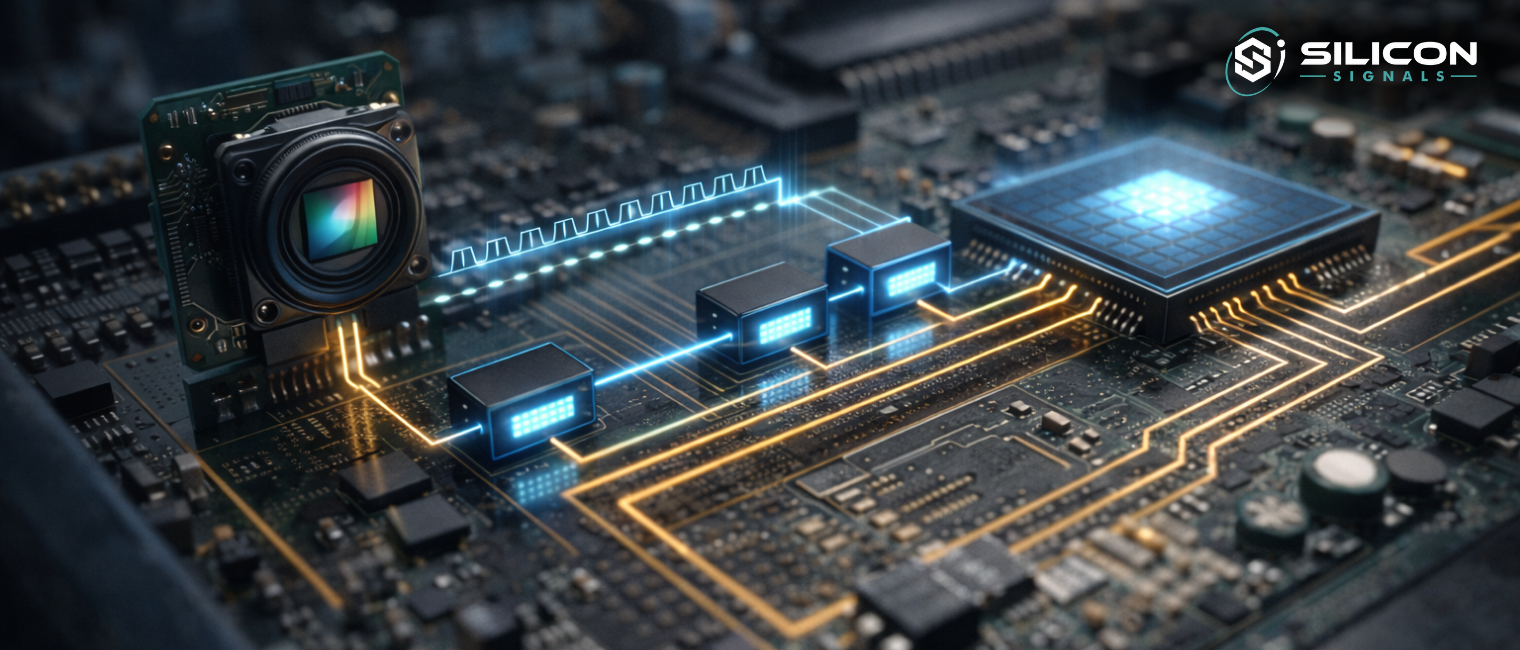
Firmware controls the timing of exposure, sensor readout, frame buffering, and data movement into the ISP or processing pipeline in an embedded system with a digital camera. If the timing of the firmware is off by microseconds, you might see dropped frames, rolling artifacts, or images that are broken.
Real-Time Behavior and Determinism
Camera firmware doesn’t let you make mistakes. Frames show up when they do. When the sensor sends a signal, the interrupts go off. DMA transfers have to finish on time. You have to act in real time here.
This is why most firmware is written in C or C++ with direct register access and little abstraction. Determinism is more important than beauty. A driver that misses a frame deadline is worse than one that is not very good at all.
Hardware Abstraction Without Losing Control
Good firmware hides hardware just enough to keep the system running smoothly. Sensor drivers give you access to controls for gain, exposure, and frame rate. Structured APIs are used to set up ISP blocks. But abstraction never hides how timing or power works.
In other words, camera firmware developers have a very limited range of options. If you abstract too much, performance goes down. If you don’t have enough, the system will break down.
Need help with your embedded camera firmware architecture?
Why Firmware Development Matters More Than Ever in Embedded Cameras
Performance Is Mostly a Firmware Problem
Sensor datasheets like to say that they have a wide dynamic range, low noise, and fast readout. In the end, firmware decides if those promises hold up in the real world.
Firmware contains exposure algorithms, gain control loops, buffer management, and ISP tuning. Two products that use the same sensor can give very different results just because of how good the firmware is.
Feature Enablement Happens Below the UI
Features like HDR, multi-exposure fusion, electronic image stabilization, and low-light enhancement aren’t magic extras. They are pipelines that are controlled by firmware. Firmware sets the limits of what can be done, even when higher-level software is used.
Advanced features never stabilize if firmware doesn’t provide the right hooks or send data on time.
Security and Updatability Start in Firmware
Modern embedded cameras are devices that are connected. That means that firmware is a security barrier. At the firmware level, secure boot, encrypted firmware updates, and hardware-backed key storage all start.
Not paying attention to this layer makes a camera a liability instead of an asset.
Tools and Platforms for Firmware Development for Cameras
Development Environments That Actually Work
Firmware teams need IDEs that can handle embedded constraints. Many people use Eclipse-based environments, IAR Embedded Workbench, and Keil because they combine debugging, memory inspection, and peripheral views.
You have to use the debugger here. Developers use JTAG and SWD access to find timing problems and peripheral problems that logs can’t show.
Compilers, Debuggers, and Simulation
GCC is still a must-have for embedded camera firmware, especially in Linux-based systems. Vendor toolchains are often used to fix problems with silicon on bare-metal or RTOS platforms.
Tools like QEMU that let you run simulations are helpful in the early stages of development, but here’s the thing. Camera firmware always has to work with real hardware at some point. Logic is improved by simulation. Hardware shows the truth.
Platform Selection and Long-Term Viability
When you choose a firmware platform, think about more than just the features it has right now. It’s all about the lifecycle. The availability of sensors, the maturity of the BSP, and the support of the community are all important.
A camera system built into something could last for ten years. Decisions about firmware made in the first month will still be felt in the eighth year.
Best Practices in Firmware Development for Cameras
Designing Firmware for Change
Camera products change over time. Sensors are changed. Lenses change. Rules change. Firmware that can’t change becomes technical debt.
It helps to have a modular design. There should be a clear separation between sensor drivers, ISP configuration, and control logic. Not because it looks good on paper, but because real products need to change.
Testing Beyond the Lab
Firmware that only works in perfect lighting or at certain temperatures is not finished. It is important to test camera firmware in different lighting, temperature, and power conditions.
This is where a lot of teams don’t put in enough effort. Problems with images often don’t show up until weeks of use in the field. Good firmware teams are ready for this.
Documentation as an Engineering Tool
Firmware documentation is not a waste of time. It’s how teams get through audits, handovers, and long maintenance cycles. Register maps, timing diagrams, and design rationales save time later.
Applications of Firmware Development for Cameras Across Industries
Healthcare and Medical Imaging
Embedded camera systems are used in healthcare for things like diagnosis, endoscopy, and monitoring from afar. In this case, firmware puts accuracy, repeatability, and low latency first.
It’s important to be able to control exposure and get the colors right because pictures help us make decisions. Firmware has to work with medical devices and still meet strict rules for compliance.
Automotive and Transportation Systems
In cars, cameras work in situations that aren’t always easy to predict. A lot of sun. Driving in the rain at night. Firmware changes the settings and processing pipelines of the sensors on its own to make sure the images are still useful.
For driver assistance systems to work, firmware must always send frames. A missed frame isn’t just a problem. It is risky.
Industrial and Surveillance Applications
Industrial vision systems need behavior that is predictable. Firmware keeps the triggers in sync, handles high frame rates, and makes sure the system works well even when things get tough.
Surveillance cameras add another level of safety. Firmware needs to run for years while keeping the quality of the images, the efficiency of the compression, and the security in mind.
Do’s and Don’ts in Camera Firmware
| Do’s | Don’ts |
|---|---|
| Design firmware around real hardware limits | Assume datasheet numbers reflect real-world behavior |
| Profile timing, memory, and bandwidth early | Debug performance issues only at the end |
| Validate firmware across lighting and temperature extremes | Test only in controlled lab conditions |
| Implement secure boot and safe OTA updates | Treat security as an afterthought |
| Keep firmware modular and well-documented | Hard-code assumptions that block future changes |
Are you looking to review your Embedded Camera Firmware Strategy?
Examples of Firmware Development for Cameras in Real Products
DSLR and Professional Imaging Systems
In professional cameras, firmware controls autofocus loops, lens communication, and high-speed storage pipelines. Margins for performance are very small.
Surveillance and Security Cameras
Here, firmware balances network reliability, power efficiency, compression, and continuous operation. It must be possible to predict how things will go wrong.
Drone and Aerial Cameras
Drone cameras add limits on weight, power, and vibration. Firmware needs to work with flight controllers and GPS systems to keep images stable.
A Step-by-Step View of Firmware Development for Cameras
From Requirements to Hardware Understanding
Firmware defines how the camera behaves under constraint. Timing, memory, and power limits are not edge cases. They are the operating environment. This is what separates camera firmware from most embedded software.
Implementation and Integration
There are written drivers. Pipelines are set up. The timing is checked. Integration quickly shows what you think.
Testing, Deployment, and Maintenance
Testing goes on during production. Firmware updates fix bugs, add new features, and respond to data from the field. This phase usually takes longer than the first phase of development.
FAQ’s About Firmware Development for Cameras
What exactly does camera firmware control
It manages the initialization of sensors, timing, data movement, processing pipelines, power states, and update methods. The camera is just a piece of hardware without it.
Is firmware different for each camera type
Yes. Even sensors that are the same can act differently in different systems. Firmware is always made to fit the specific embedded camera system.
How hard is it to learn camera firmware development
It takes a basic understanding of embedded systems, hardware, and patience. There is no quick way, but the skills build on each other over time.
Conclusion
Embedded cameras turn into products instead of prototypes during firmware development. It is where performance, reliability, and security are decided long before users see an image.
At Silicon Signals, firmware is seen as a core engineering field, not just a side job. Because that’s what modern embedded camera systems need, the main goal is to make camera firmware that can handle real-world conditions, long lifecycles, and changing needs.
